
Real Digital Vocoding
Audio is processed through real P25-style vocoding, not a cosmetic voice filter.
P25 / Radio Network
SpartanRadio, delivers unmatched realism for first responders in role-play communities. Designed to replicate real-world P25 systems, the SpartanRadio eliminates the need for overpriced, complicated, low-clarity, poorly ai-made and third-party solutions ensuring that players experience seamless immersive in-game communication.
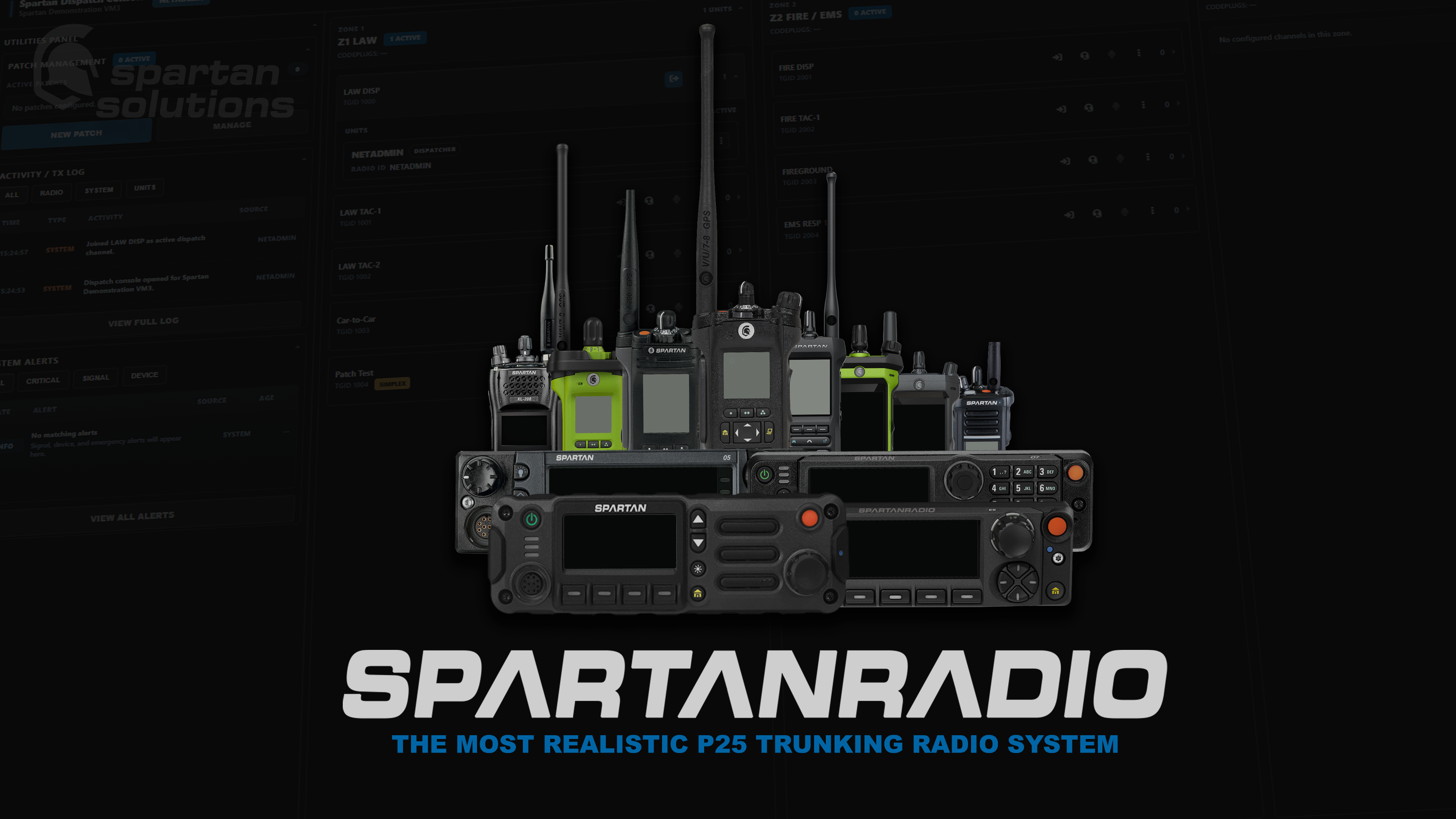
Built to operate like a real public-safety radio network, from vocoded audio and trunked talkgroups to codeplug programming, dispatch control, and hardware-style radio interfaces.
Audio is processed through real P25-style vocoding, not a cosmetic voice filter.
Zones, TGIDs, channels, and routing follow real radio-network structure.
Build department profiles, zones, channels, permissions, and radio layouts.
In-game radios follow real controls, displays, and operating flow.
Monitor channels, transmit, send tones, and manage radio activity.
Connect channels for mutual aid, multi-agency scenes, and large events.
Emergency activations surface to dispatch with priority handling.
Support coverage rules, unit location, and radio state visibility.
Program and manage the radio system through Spartan RMS.
Use the live demo server and dispatch console to test the radio workflow with the included radio models and codeplugs.
xmv6ve
SPARTAN-DEMO1
Quick answers for communities comparing SpartanRadio against basic voice filters, channel scripts, or disconnected dispatch tools.
SpartanRadio is built around a full radio workflow: real vocoded audio behavior, zones, talkgroups, channel programming, RMS management, dispatch tools, alerts, patches, and radio activity visibility.
Yes. The radio sound is produced through P25-style IMBE vocoding instead of a simple voice effect layered over regular proximity audio.
Yes. Communities can organize agencies by zones, channels, TGIDs, talkgroups, and codeplug-style profiles so radio layouts match operational structure.
Dispatch can use the browser console to monitor live radio activity, transmit, manage patches, send tones, surface emergency traffic, and keep operations visible during busy scenes.
The system is designed for managed configuration through Spartan RMS, so radio resources and operational details can be maintained without treating every change like a full server rebuild.
Choose the lifetime license if you want one purchase for daily operations. Choose monthly if your community prefers a lower starting cost or wants subscription access while pricing becomes dynamic.
Ask about setup, compare the demo workflow, or get help deciding whether SpartanRadio fits your community before you buy.
Your cart is empty. Choose a radio plan or contact support for setup help.
View Pricing